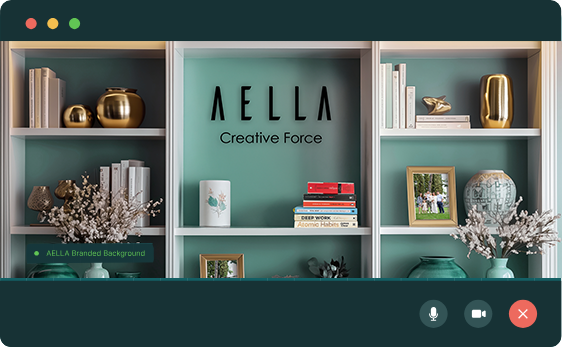







Custom Virtual Backgrounds for Zoom, Teams & Google Meet
Look polished, professional, and on-brand in every video call with custom virtual backgrounds designed for your business.
What is it
Your Background Is Your Digital Office
Video call backgrounds are virtual or physical backdrops used during online meetings on platforms like Zoom, Microsoft Teams, Google Meet, and Webex.
With a single click, you can replace what’s behind you with any image, video, or branded scene — whether you’re calling from your kitchen, a hotel room, or a co-working space.
Modern AI-powered backgrounds intelligently detect and separate you from your surroundings in real time, giving you a clean, professional look — no green screen needed.
Compatible With Your Favourite Video Platforms
Why It Matters
Why a professional virtual background matters
First Impressions in Under 7 Seconds:
Your background is part of the snap judgment others make before you say a single word.
Privacy Is Non-Negotiable:
Your personal space shouldn't be visible to clients, partners, or colleagues.
Brand Every Single Touchpoint:
Every call is a branding opportunity. Your background should reinforce who you are.
Work From Anywhere, Look the Same:
Hotel, café, or home — maintain a consistent, professional presence everywhere.
73%
of professionals say a cluttered background negatively affects their impression of the speaker
3×
more likely to be perceived as credible with a clean, branded background
7sec
is all it takes for people to form a first impression on a video call
60%+
of remote workers lack a dedicated, camera-ready workspace
Look Professional on Every Video Call
Custom video backgrounds designed to elevate your presence, protect your privacy, and keep your brand looking polished on every platform.
Benefits
Everything You Gain With The Right Background
Instant Professionalism
Look polished and prepared from anywhere in the world — no studio, no setup, no stress.
Brand Consistency
Add your logo, brand colours, and messaging to every call. Your team becomes a walking billboard.
Privacy Protection
Keep your personal space completely private. No more worrying about what's in the background.
Reduced Call Anxiety
No more last-minute tidying before calls. Jump in with confidence every single time.
Work From Anywhere
Hotel, café, or home — always look exactly the same. Your brand travels with you.
Client-Ready Appearance
Build instant trust and credibility with prospects, clients, and senior stakeholders.
Distraction-Free Meetings
Keep all eyes on you and your message — not on what's happening behind you.
Ready in 3 Minutes
No technical skills needed. Download, apply, and impress — in less time than making a coffee.
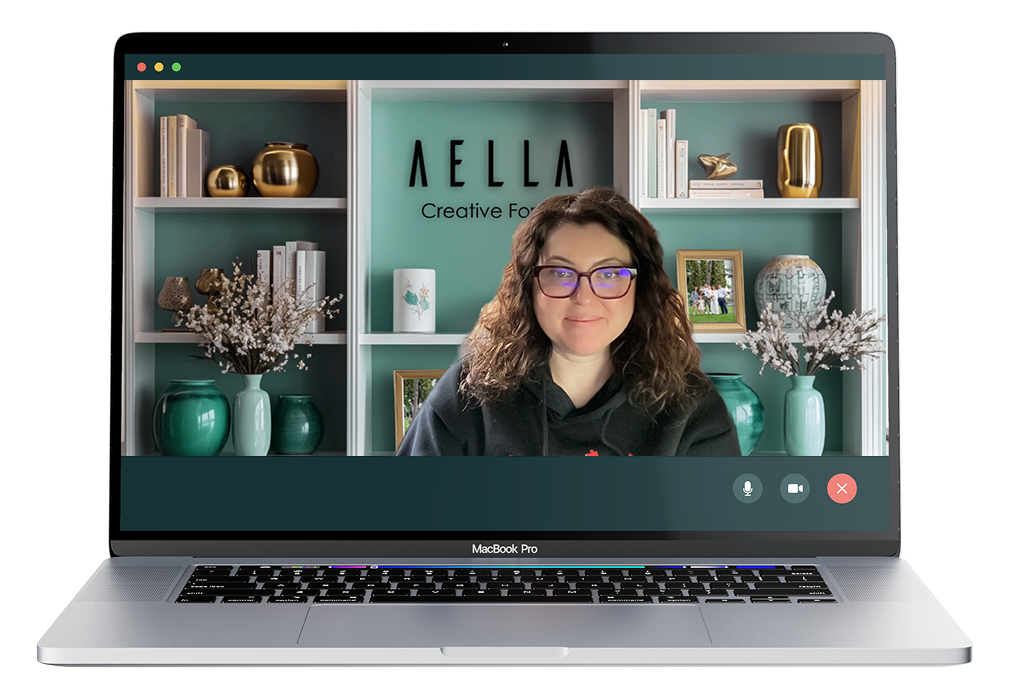
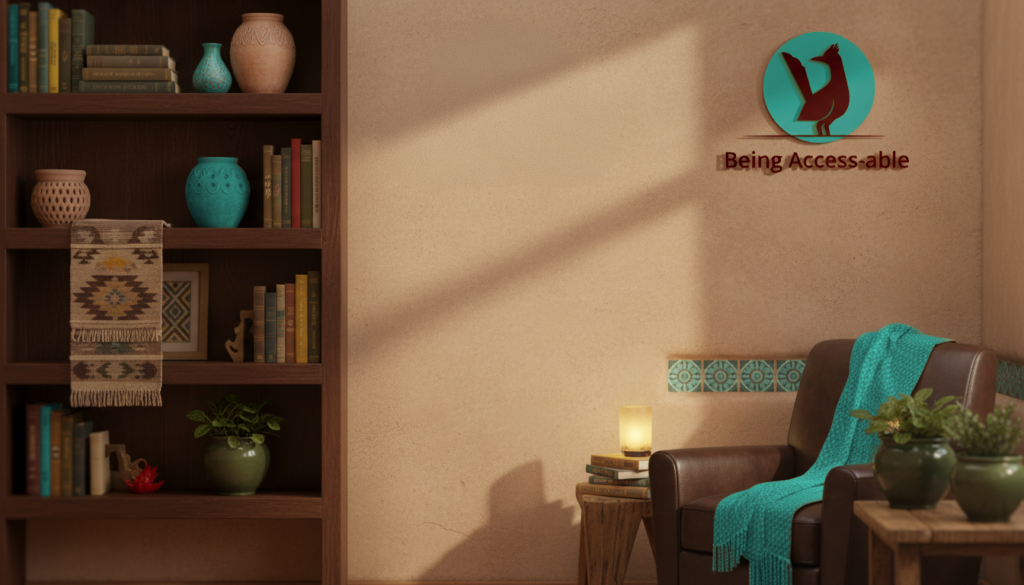
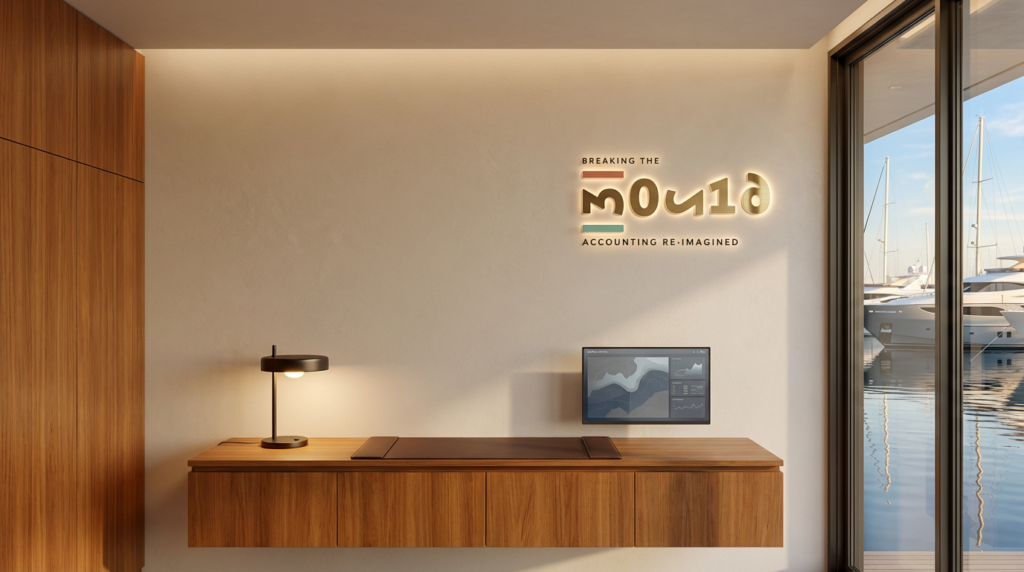
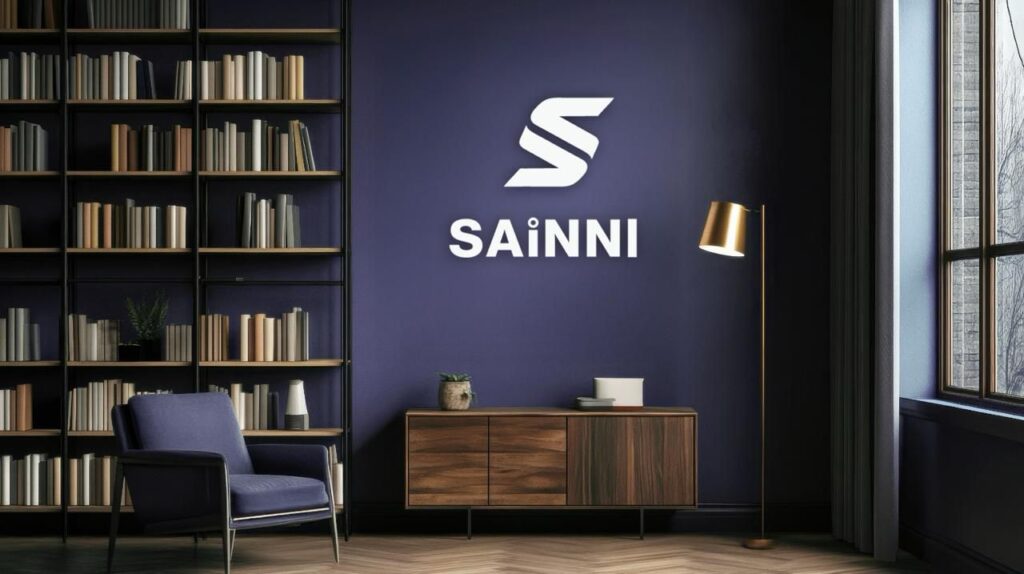
Backgrounds We've Created
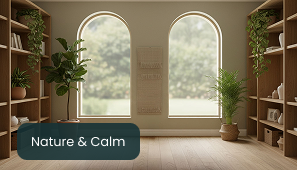
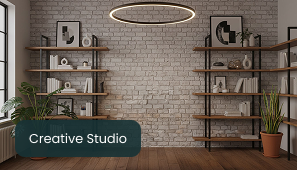
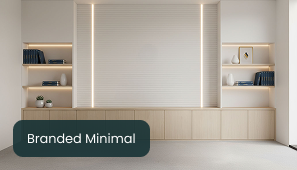
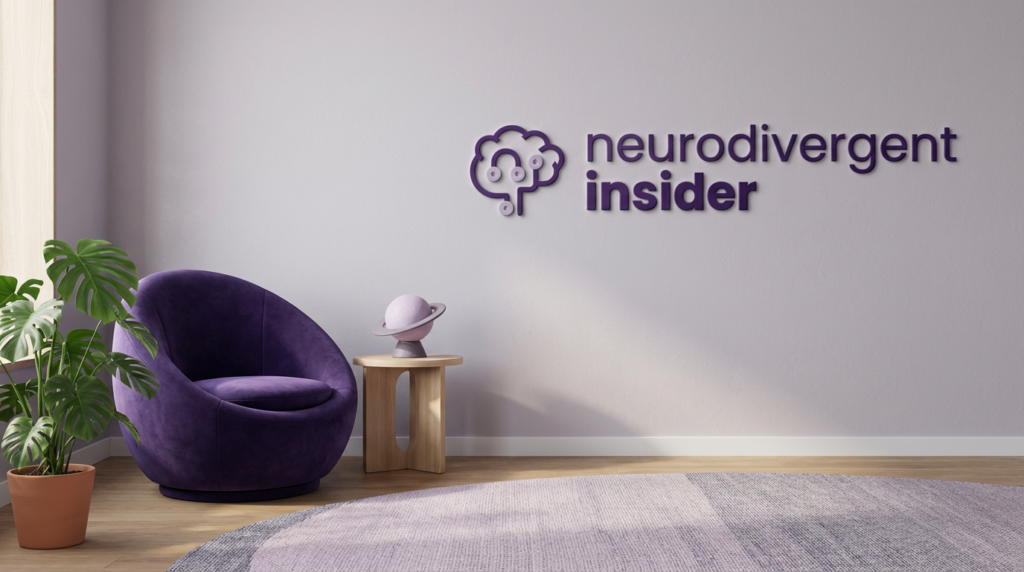
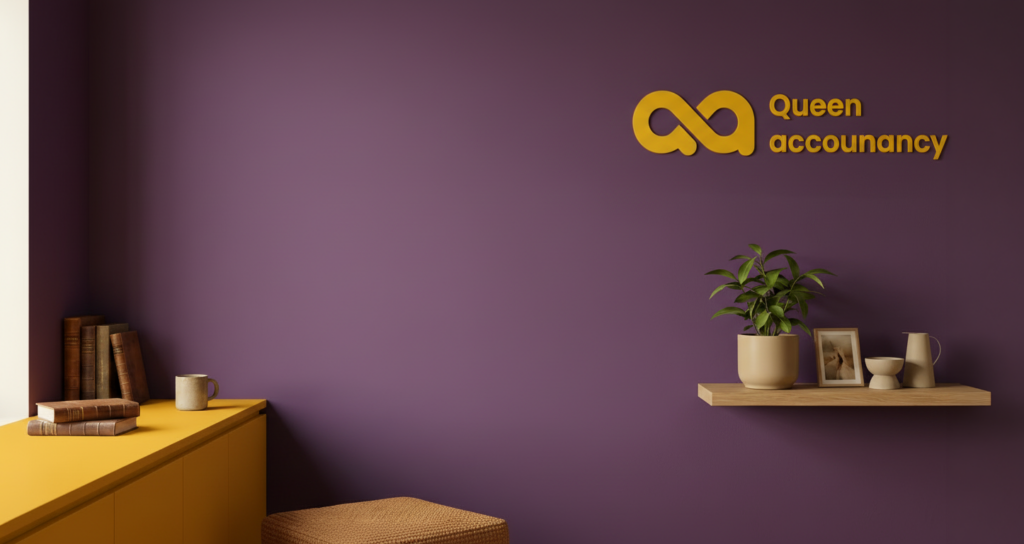
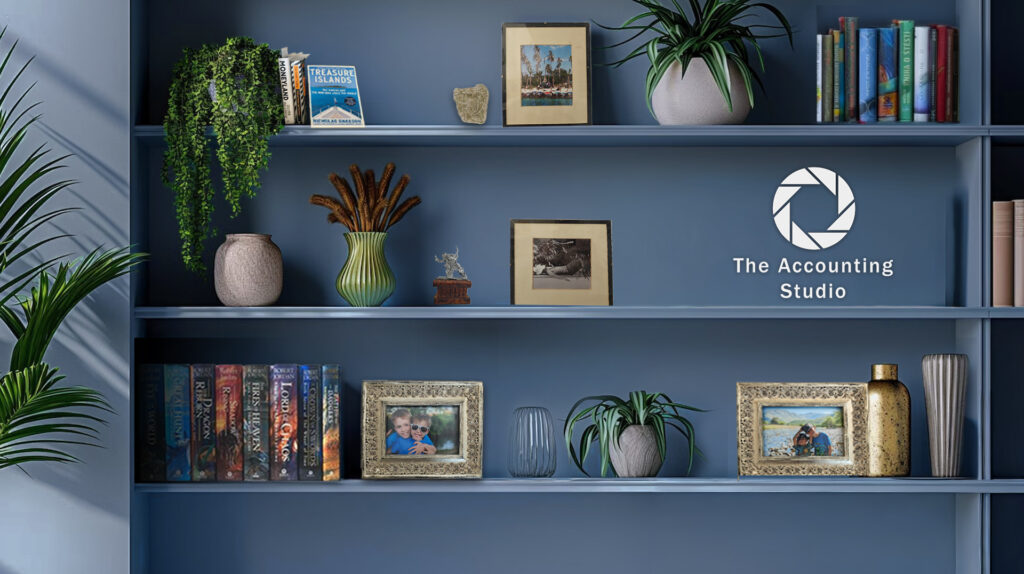
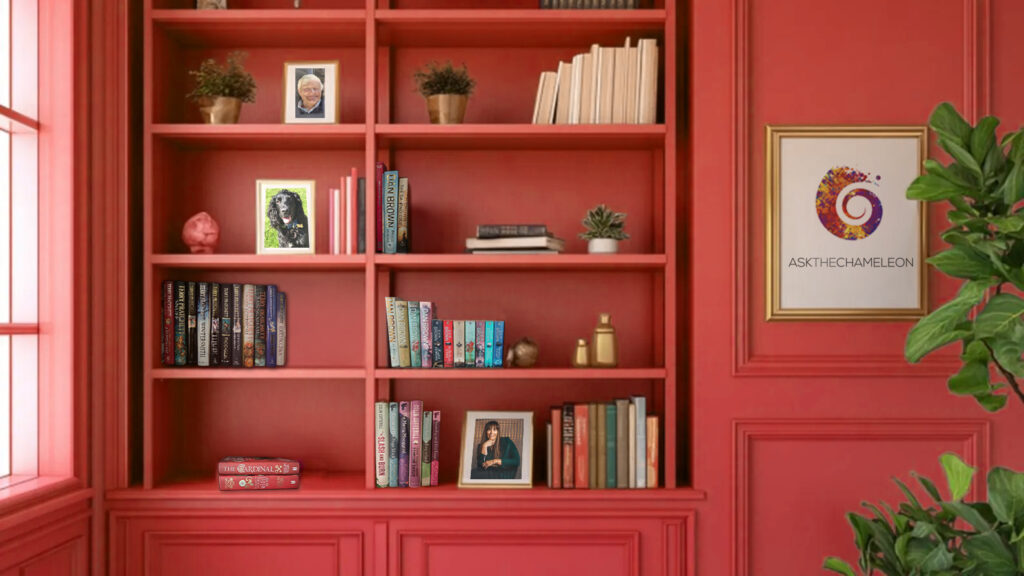
A glimpse at custom video call backgrounds designed by our team for brands, founders, and professionals who want to show up with confidence on every call. Each background is crafted to feel polished, on-brand, and distraction-free — helping our clients look professional wherever they work.
I can’t recommend Kiki highly enough. From the first conversation she just got it, what I needed, how I show up on calls, and how important first impressions are when you’re working online every day. She built me a Super Teams, Zoom and Google Meets background that is genuinely second to none. Clean, professional, confidence-boosting, it instantly elevated how I present myself with clients and corporates. The difference it’s made is huge.

I highly recommend the services of Aella Creative Force. I commissioned a tailored online meeting background template. Kiki, provided clear guidance and examples to help shape the design. I was then presented with several options, and chose the one I preferred. Kiki was responsive and enthusiastic to any edits suggested. I am so thrilled with the background, I can't wait to show it off! Highly recommended to anyone looking for a team that genuinely cares about impact, results, and doing things right.

Kiki designed a virtual background for my Zoom account and I'm just in love with it! I told her specifically what I wanted and she designed four backgrounds for me to choose from, with everything that I'd requested. Kiki is detailed and professional and cares about doing a supreme job. I highly recommend her for your graphic design needs. Thank you, Kiki!

Hands down the best decision I ever made - the virtual background is perfect, immaculately tailored to me and my business. Every new caller mentions it and I would recommend every freelancer/business owner to have one - if not two! thank you so much Kiki, you made the process so easy and the personal touches went above and beyond.

From Idea to Live in Minutes
A simple, streamlined process designed to get you looking professional on your very next call.
Choose Your Style
01.
Choose Your Style
Browse our curated library — corporate, creative, minimal, branded. Pick what fits your audience and your message.
Personalise It
02.
Personalise It
Add your logo, adjust colours to match your brand, and tweak the layout — no design experience needed.
Download & Apply
03.
Download & Apply
Get your background in Full HD resolution. Apply it in seconds on Zoom, Teams, Meet, or any video platform.
Show Up & Impress
04.
Show Up & Impress
Join every call with total confidence. Look consistent, professional, and on-brand — every single time.
Branding & Identity FAQ
Do I need a green screem?
No! Our backgrounds are optimised to work with AI-powered background replacement on all major platforms — no green screen required. A green screen does improve edge detection, but it’s completely optional and most users never need one.
Which platforms are supported?
Our backgrounds work with all major video call platforms including Zoom, Microsoft Teams, Google Meet, Webex, Skype, and more. If it supports virtual backgrounds, ours will work perfectly.
What file format and size do you provided?
We provide backgrounds in 1920×1080px (Full HD) in JPG and PNG formats — the recommended size for all major platforms. All files are optimised for fast loading without quality loss.
Can I add my company logo and brand colours?
Absolutely. Full customisation is available — add your logo, match your brand colours, include your tagline or website URL. Ideal for sales teams, coaches, and client-facing professionals who want every call to be on-brand.
Can I share backgreounds with my whole time?
Yes — our Team Plan lets you create, manage, and distribute a consistent set of branded backgrounds to your entire organisation with one click. Perfect for maintaining a unified, professional presence across all client calls.
Will this work on a low-end laptop?
Yes. Our backgrounds are optimised for performance. AI background removal works best with a modern browser and at least 4GB of RAM, but even on older machines the static image backgrounds work flawlessly on all platforms.